Install Debian / Linux for Chia and allow root login
In the following, we will walk through the entire Debian installation process as an example to get our Chia farm or Chia plotter ready to go with Linux. Why Debian. It is one of the best Linux distributions.
Note: You can find the tutorial on how to install Chia here.
The first thing you need to do is download the appropriate Debian netinstall image (usually amd64). You can get the image from debian.org (external link). The image can be downloaded after Etcher (external link) or the Universal USB Installer (external link) to flash the image to a USB stick.
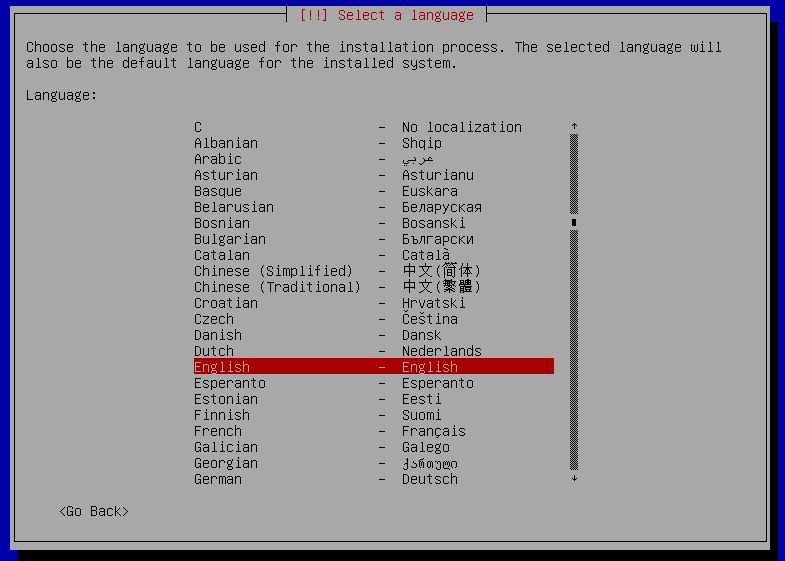
Select install 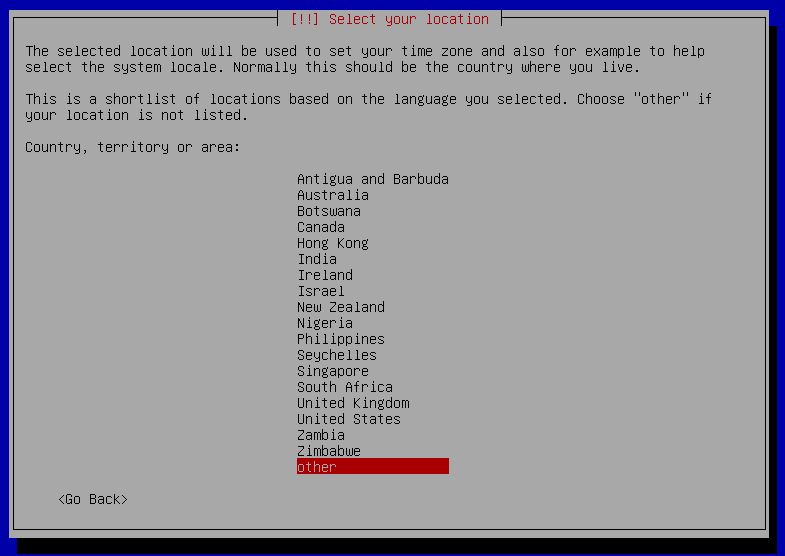

other 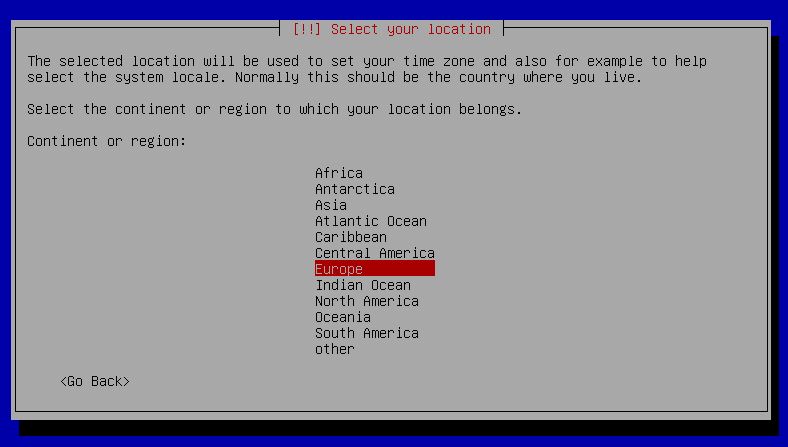

Europe 

Germany 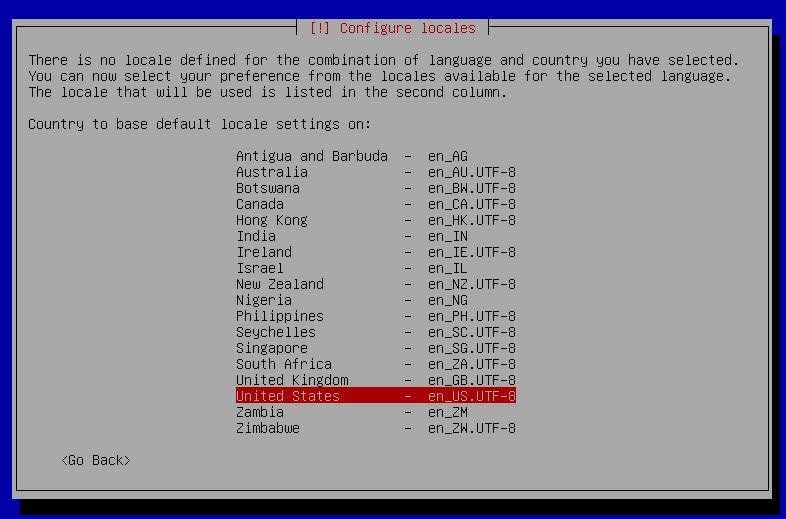

Select the language 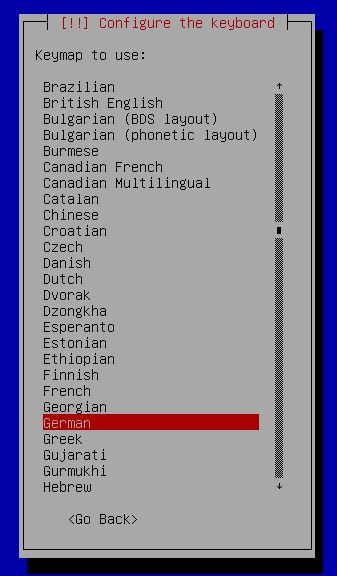

Select the layout for your keyboard 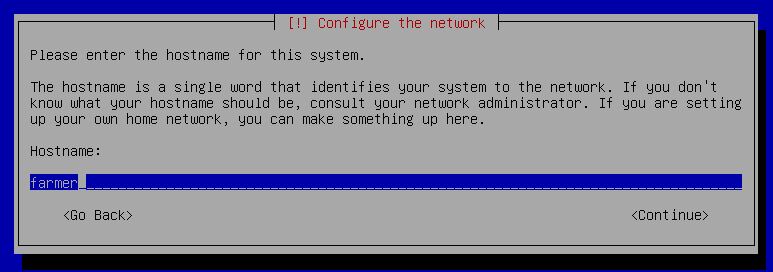

Choose a hostname 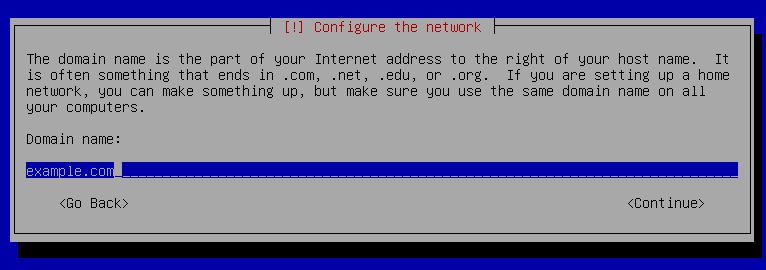

and a Domain 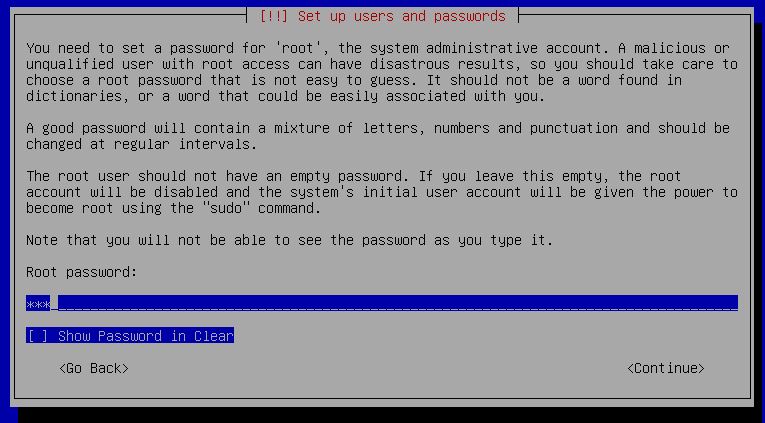

Enter the root password 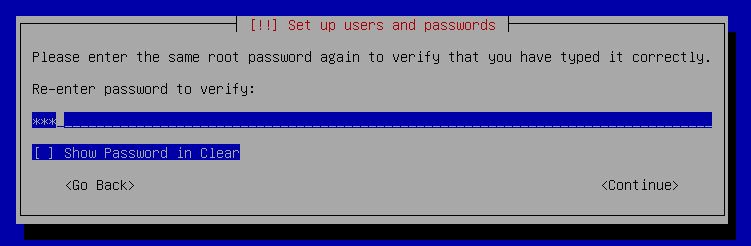

re-enter it 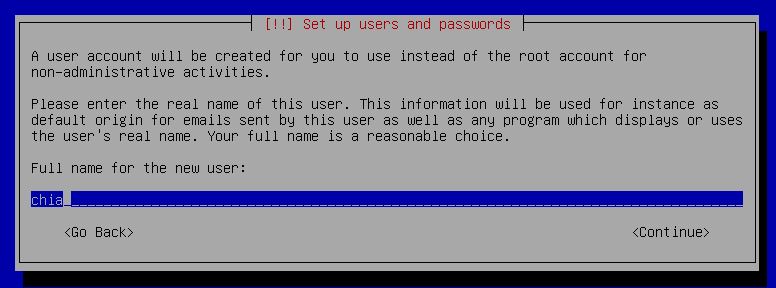

Set the name for the new user 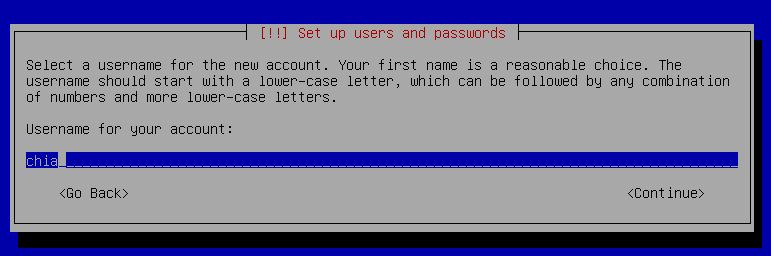

set the username for the new user 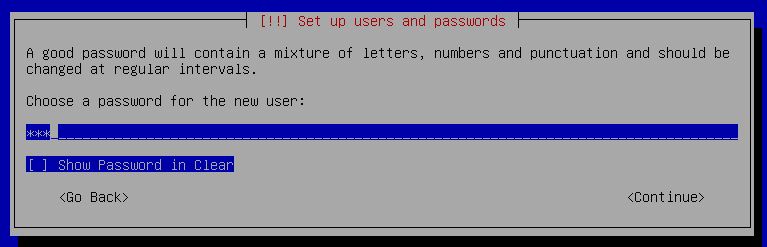

set the password for the new user 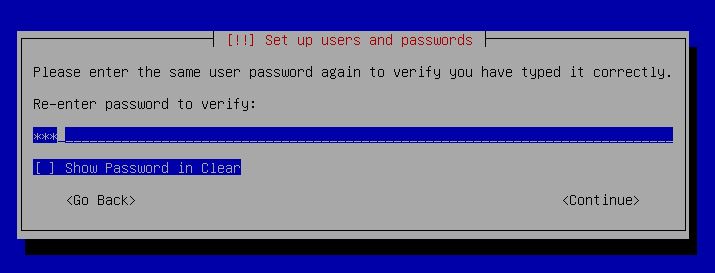

confirm the password for the new user 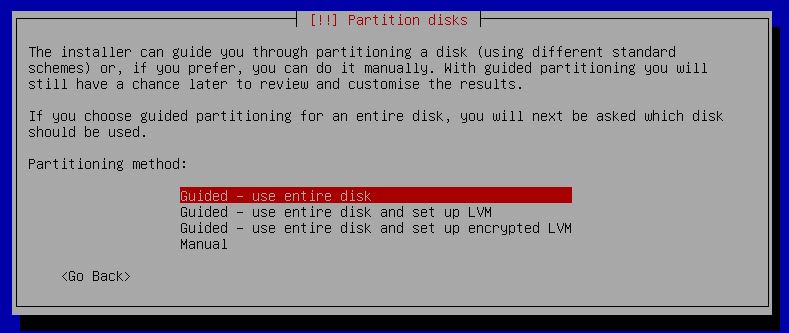

use the entire disk 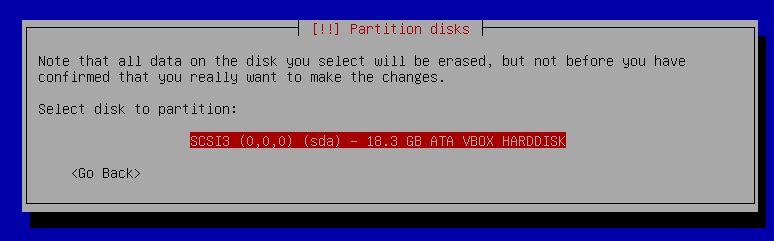

select the drive for Debian 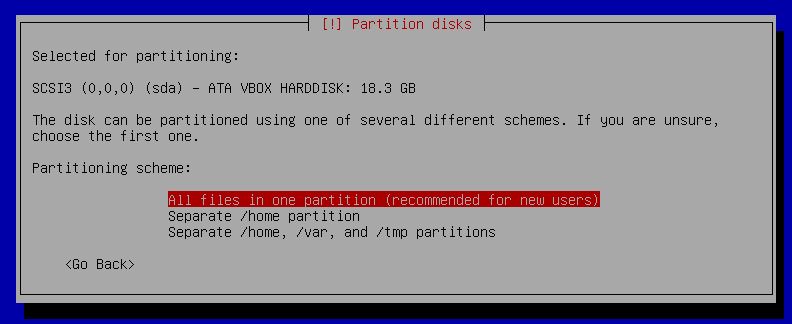

Make it easy: Push all into one partition 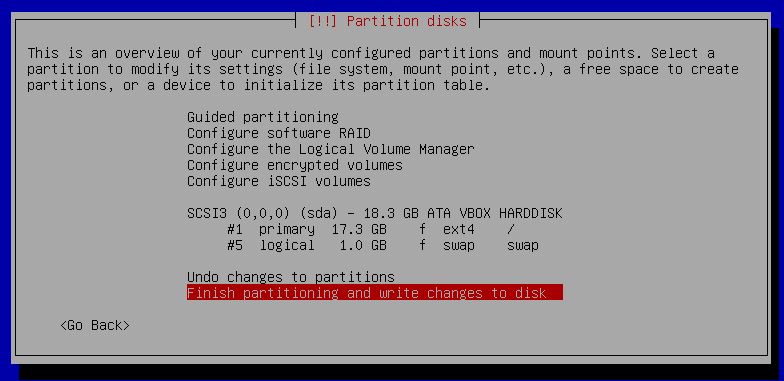

write the partition tables 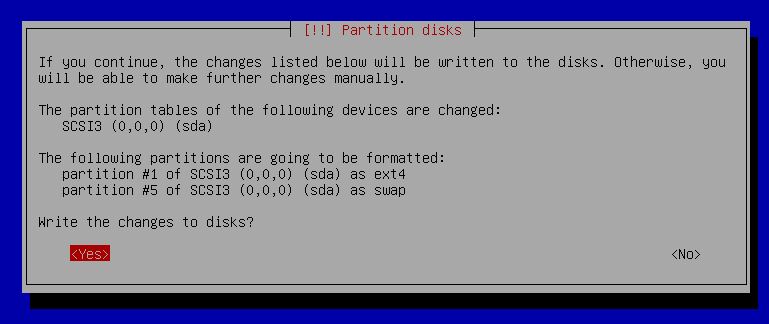

Yes 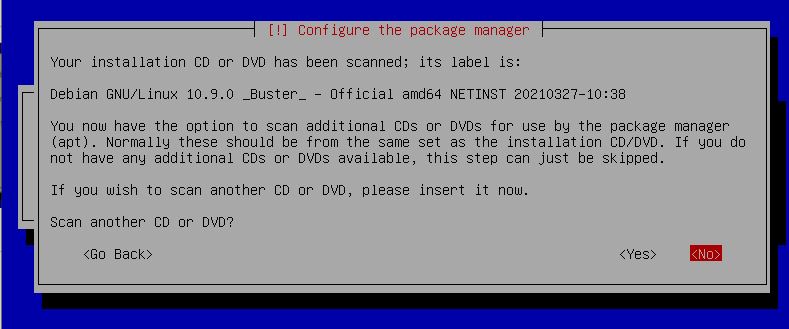

No 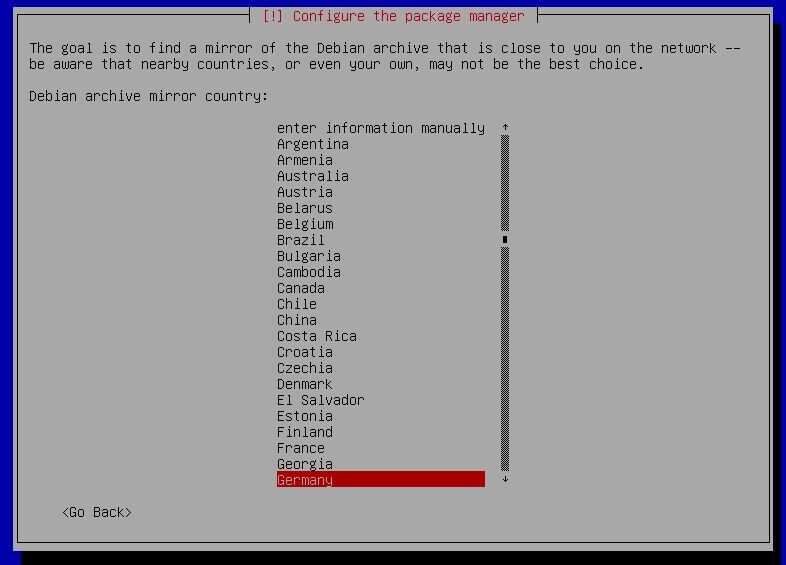

Select the best mirror 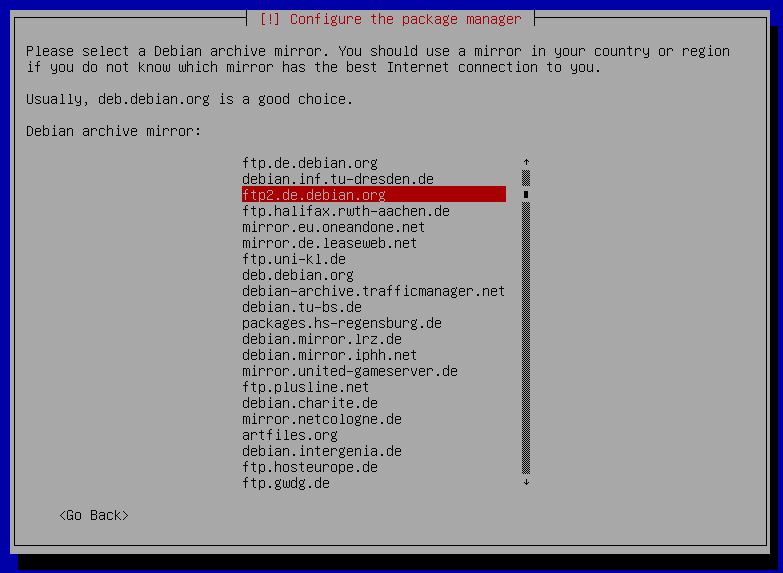

select the best mirror for your country 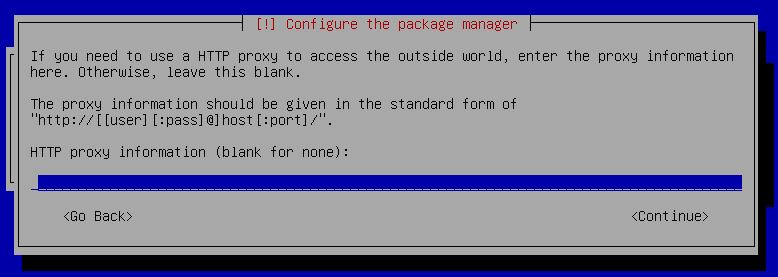

Proxy information – if you don’t usa a proxy just press ENTER 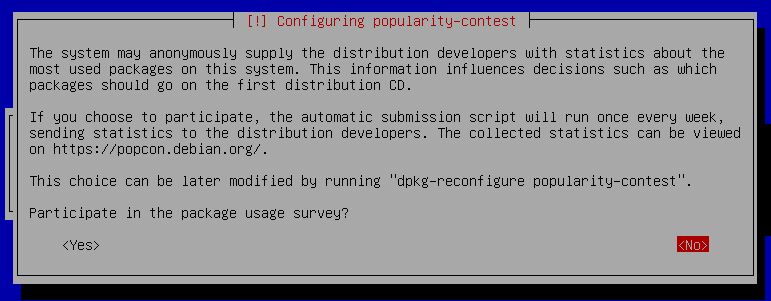

Yes or No 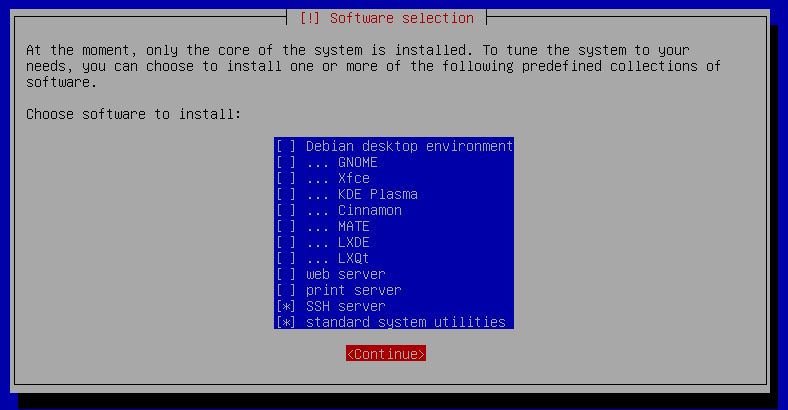

There is no need for the desktop environment or the print server, we are happy with the SSH Server 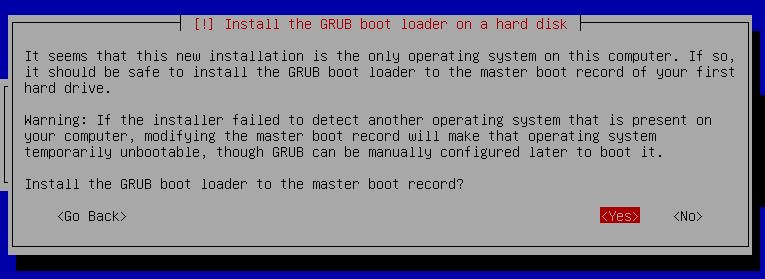

Yes 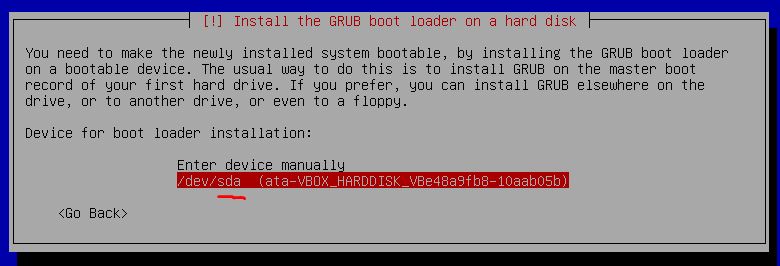

sda 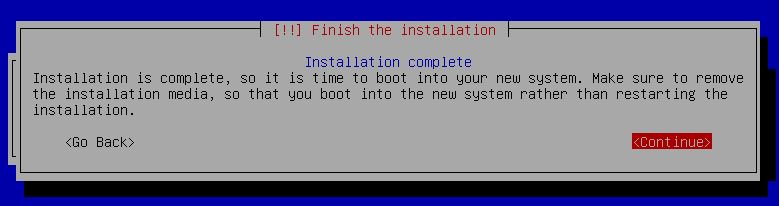

Remove the stick 

root ENTER 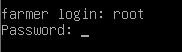

password ENTER 

nano /etc/ssh/sshd_config + ENTER 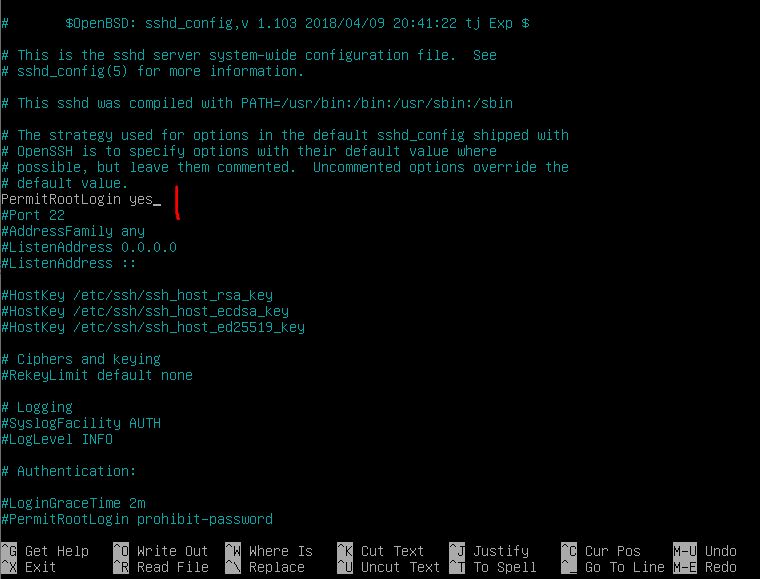

add “PermitRootLogin yes” to the file and save it with CTRL + X, Y, ENTER 

reboot the machine
































After that, you can also login as root via SSH using the IP address of the machine you just installed. For this, I recommend Putty (external link).
I hope my tutorial on installing Debian (e.g. for Chia) helped you.
Note: This text is copyrighted
Please send coffee donations to: 0xd0803A568615A18403C3722AC6dBb3202FD14034 (Ethereum)